
Product Description
Prerequisites: The Mozambique & Malawi Garmin GPS Map Download subscription is compatible with Garmin map capable GPS units only.
Explore Africa with Confidence
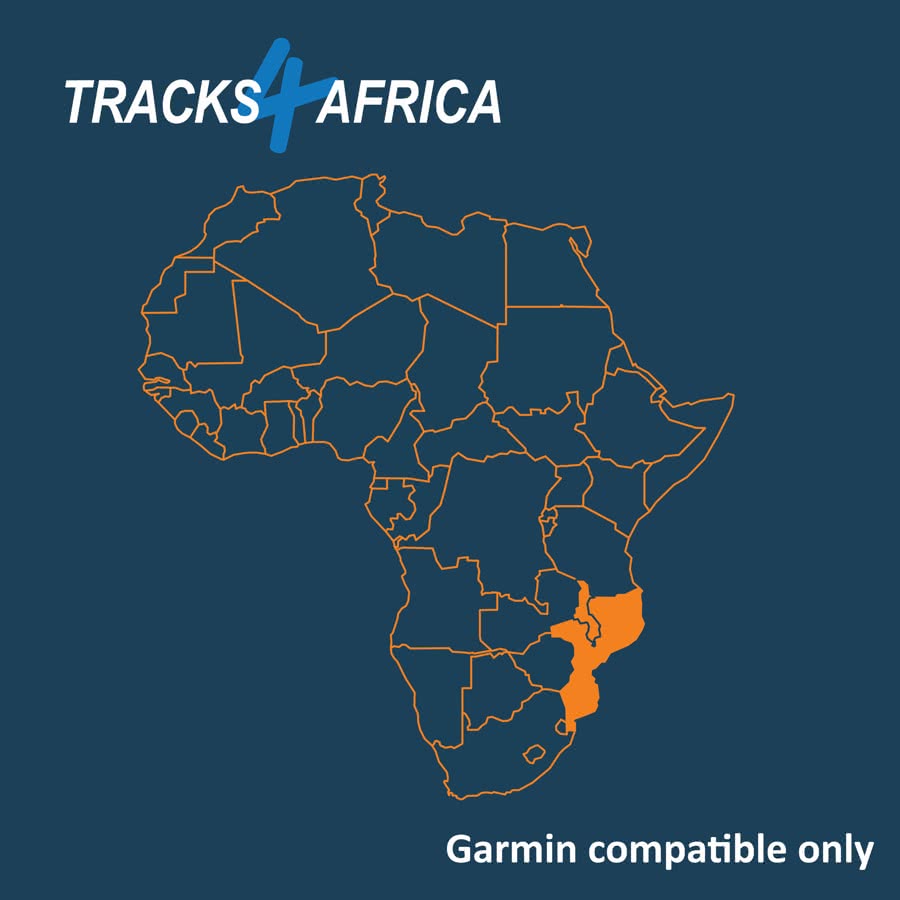
Whether you’re a tourist or a business traveler, you’ll appreciate the accuracy and detail of the Mozambique & Malawi Garmin GPS Map Download to guide you through Mozambique & Malawi.
Built by Travellers, for Travellers
We construct our Mozambique & Malawi GPS map from GPS data sourced from the T4A Community of travellers. Adventurers like you record their journeys and share them with the community. As a result, our maps focus on relevant places for travellers rather than providing wall-to-wall coverage. Moreover, we continuously strive to create the safest routable GPS maps in Africa.
Plug-and-Play Convenience
Did you know you can also get the complete set on an SD Card? Simply plug it into your compatible Garmin GPS and start navigating immediately. See here for more info!
KEY FEATURES:
- For Garmin map capable GPS units only!
- This map is downloaded in digital format – no shipping is required.
- The Mozambique & Malawi Garmin GPS Map Download subscription gives you access to all map updates released over the next 12 months. Updates are issued quarterly on 01 March, 01 June, 01 September, and 01 December.
- Your Mozambique & Malawi GPS map won’t expire and will remain functional even after 12 months.
- There are NO 50% discounts on future re-purchases of single mapsets
SOFTWARE REQUIRED:
In order to view this map on your computer, to perform route planning and to transfer the maps to your Garmin GPS unit, you will need free Software from Garmin, which can be downloaded from Garmins’ website:
- For Windows: Mapinstall. Then Basecamp or Mapsource too.
- For MAC: Mapinstall. Then Basecamp too.
GARMIN GPS UNITS:
Attention MAC Users:
If your Garmin GPS unit uses an Android operating system, for example models like DriveSmart, Overlander, Tread Series, and Zumo XT – then take note:
Understand File Access Limitations
If your device runs on Android, your Mac will not display it as a drive on the desktop. As a result, you cannot access the device’s internal files directly.
Prepare for Map Transfer
Since internal file access is restricted, you will need to use an SD card to transfer the downloadable map.
Purchase the Correct SD Card
To proceed, purchase an SD card with at least 4GB of storage. This is the minimum recommended size for successful map installation.
After you purchase your map, you will immediately receive step-by-step instructions that guide you through transferring and installing it with your SD card.
Help us improve by submitting your travel data. See here for details:

Email your travel data to: newdata@tracks4africa.co.za


 Tracks4Africa
Martin Littlemore (verified owner) –
Easy to download and with a bit of patience was installed on my Garmin GPS. Haven’t used it yet, as will be in Malawi in November, but I have always found T4A maps to be fantastic and reassuring when navigating in the bush or on roads.
Stewartw (verified owner) –
Immensely invaluable and accurate, couldn’t consider driving without these maps. Incredibly comforting to have the certainty provided by these maps.