
From time to time, it’s easier for us to take control of your PC remotely, to assist with a problem. #
AnyDesk is free software that will enable us to do this. Please follow the steps below in order to install it onto your PC.
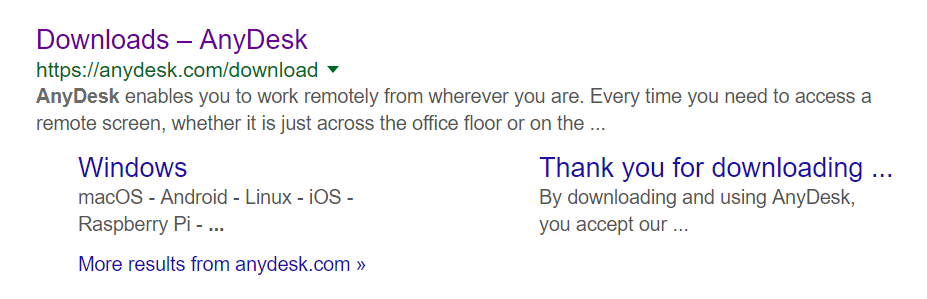
1. In Google, search for “anydesk download”. You will see search results similar to this. Go into this link to download it.
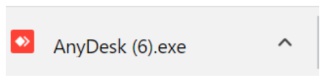
As soon as you go into the AnyDesk webpage, the EXE for AnyDesk starts downloading in the bottom left of your screen.
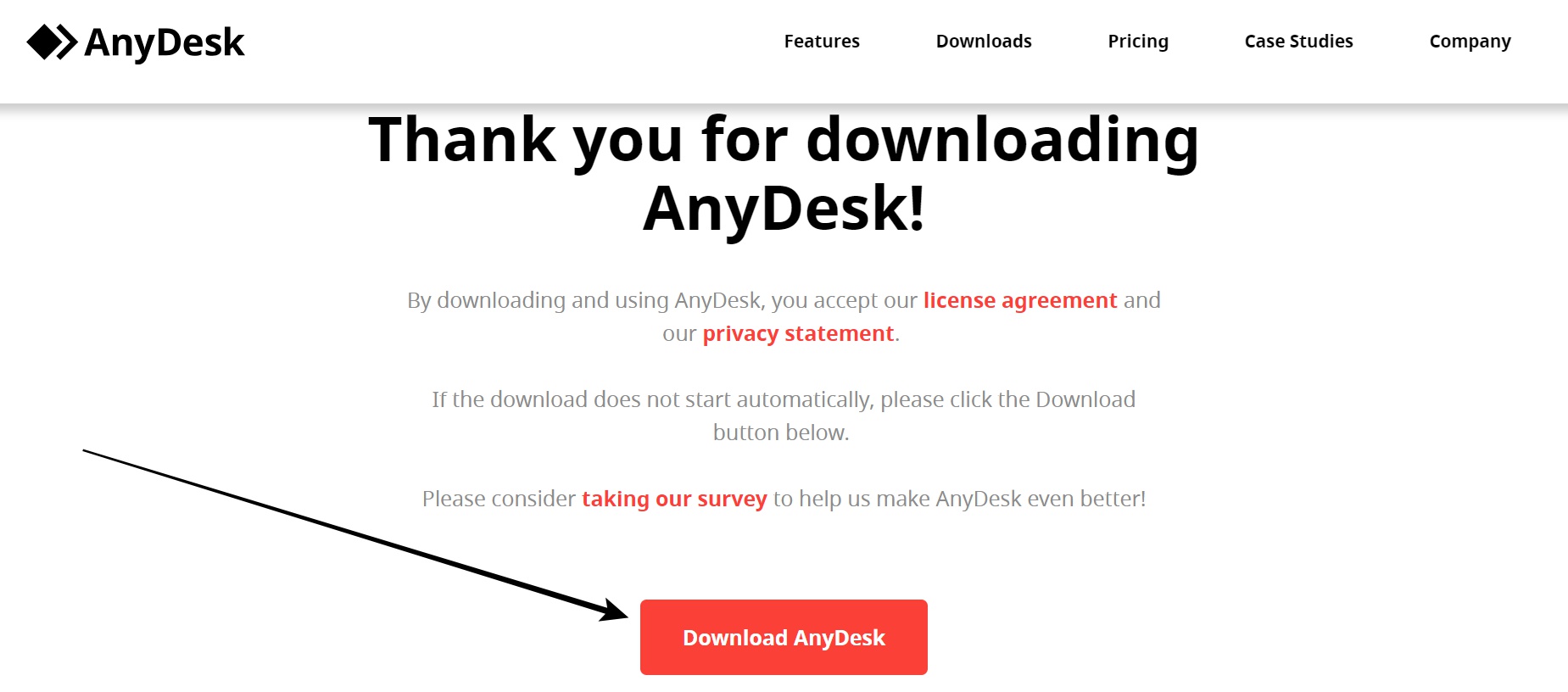
If not scroll down to click on the download button on the AnyDesk webpage.
Then click on the AnyDesk.exe (in the bottom left corner of your PC / or find the exe in your Downloads folder on your PC) in order to run and install it onto your PC.
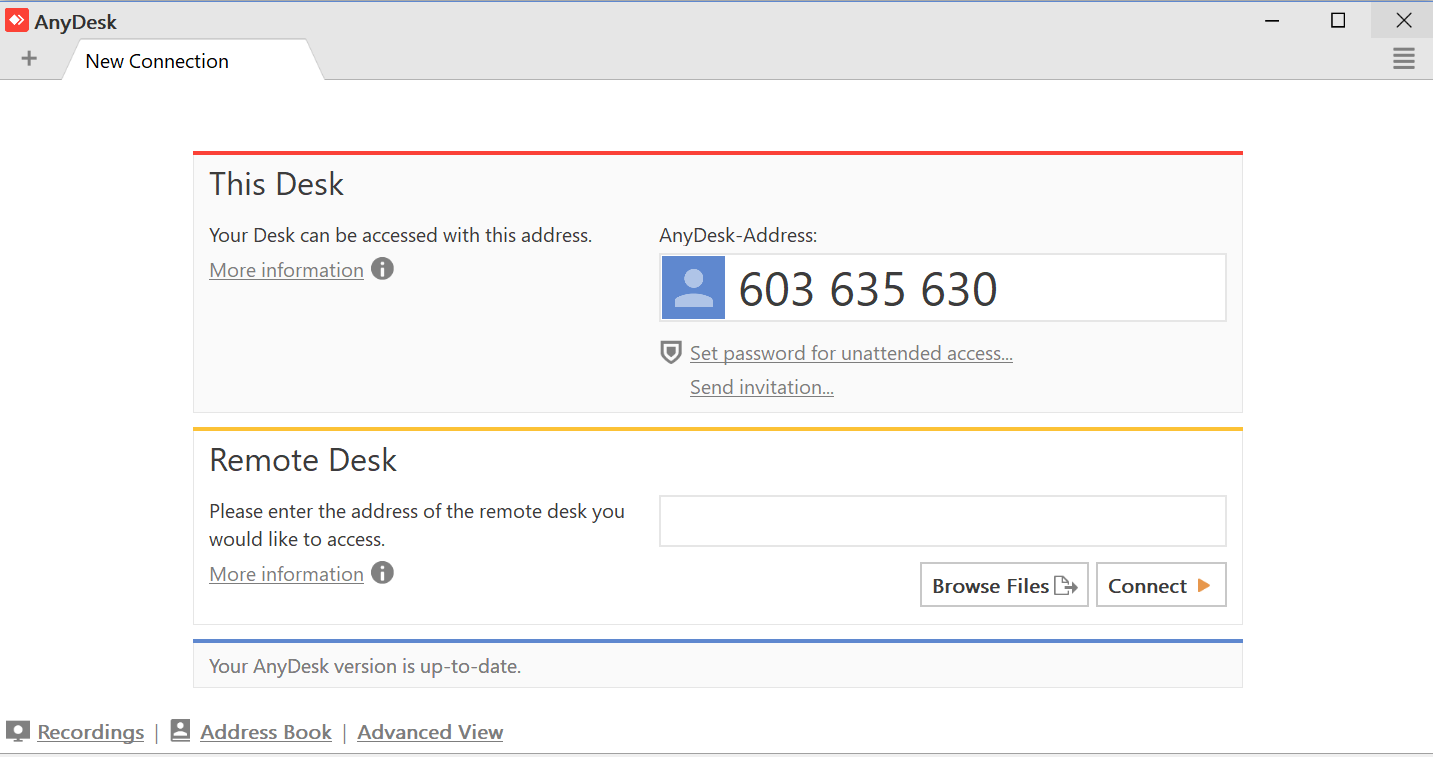
You then get this screen – you can give someone else your AnyDesk address to access your PC or vice versa. “This Desk” represents your PC, and the “AnyDesk Address” is the ‘address’ you need to provide the Tracks4Africa operator with.
Once access is gained to a PC – the PC owner will see an option to click “allow” in order to allow the Tracks4Africa operator to take control.
AnyDesk is very easy to use!


 Tracks4Africa