
The new GARMIN nuviCam LMTHD with the built-in Camera comes with 2 memory cards.
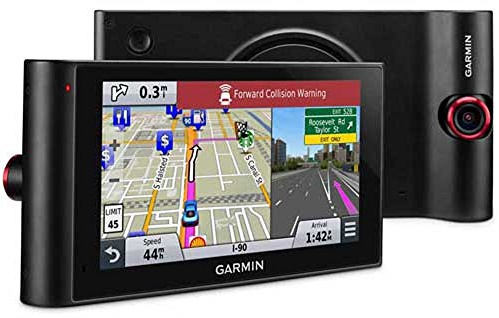
When loading the map to the device using MapInstall, the installer loads the map to the memory card but, since this is a new model GARMIN with 2 cards the installer does not know the difference between the camera memory card or the map memory card.
With both cards slotted in, the Tracks4Africa map could be loaded to the camera memory card – the GARMIN nuviCam LMTHD will then show an error asking to move the memory card to the map slot.
To overcome this problem: remove the camera memory card to ensure MapInstall can see only the map memory card and try again. The Tracks4Africa GPS map should then be successfully loaded onto the correct memory card in the maps memory slot.


 Tracks4Africa