
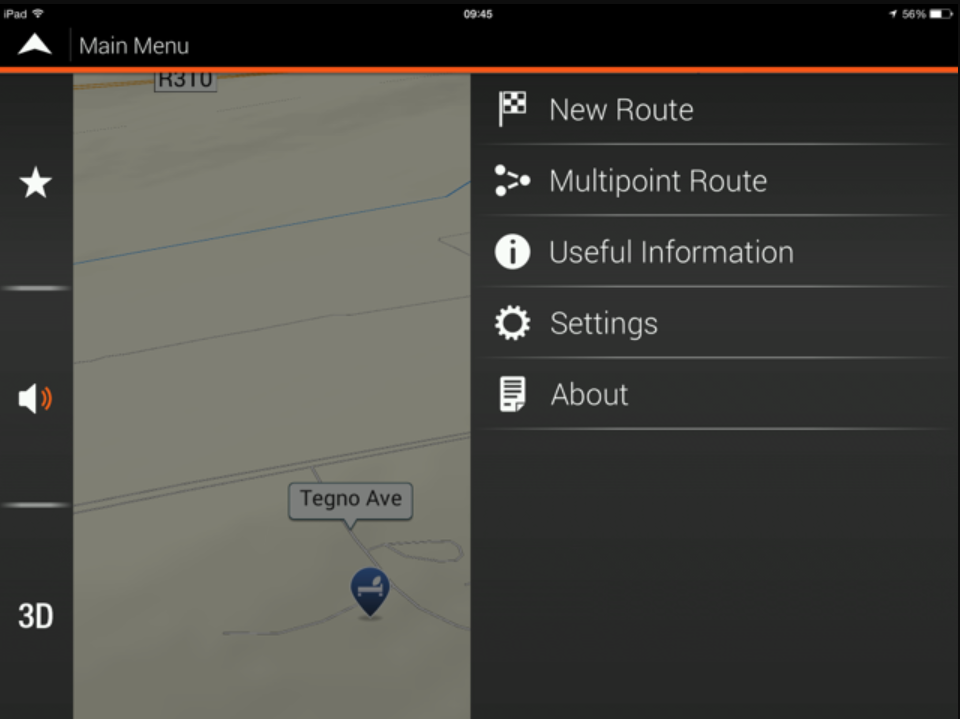
Go to Multipoint Route.
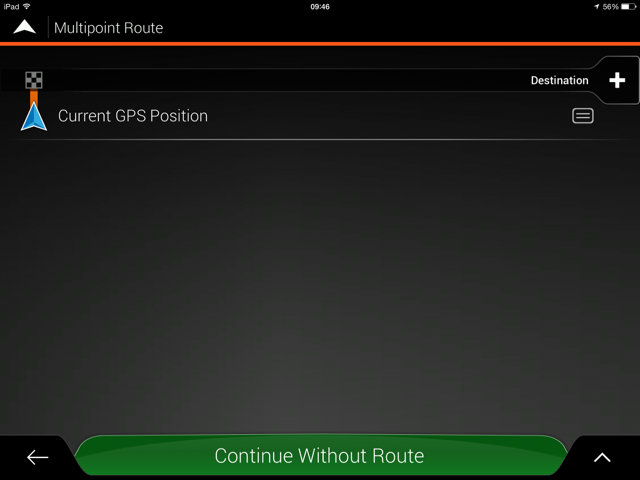
Then add the saved points by clicking in the plus signs.
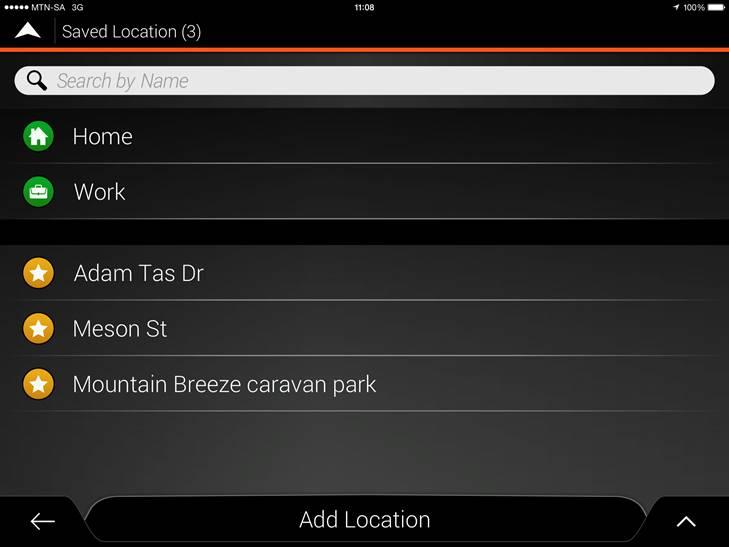
Select Saved Location.

Select the location you wish to make your next point and select as destination (See next 2 screens).
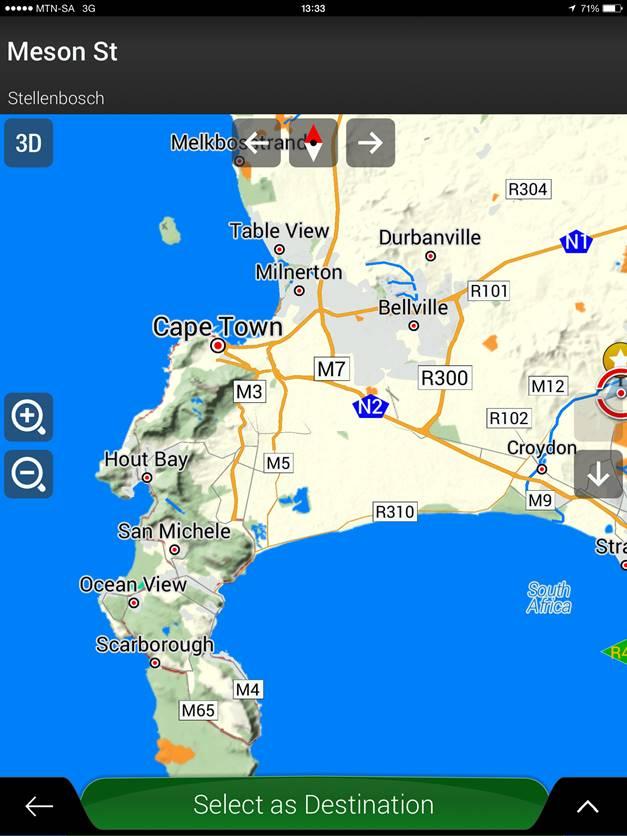
Continue with this until you’ve added all the saved locations in the route you wish to travel.
Calculate the route, and then select the strips on the screens bottom right corner and then save the route.

For more info on using this APP, please view this document on Tips & Tricks on the T4A Overland Navigator App.


 Tracks4Africa