
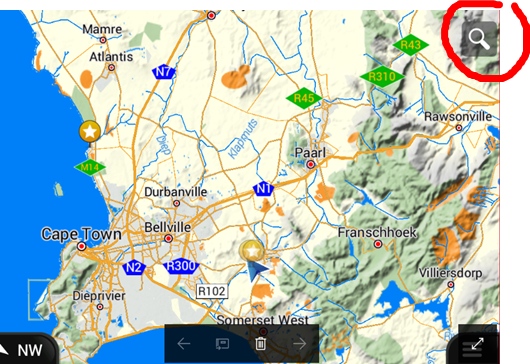
Please click on the magnifying glass icon that appears on the Navigator Apps’ screen – see example below:
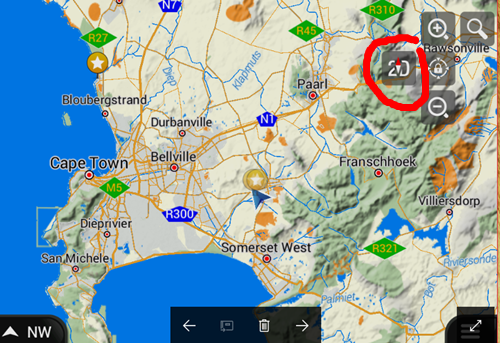
When clicking on the magnifying glass, you should see more settings, one of the icons you will see, is a compass, please select the compass to change your map orientation:


 Tracks4Africa