

Product Description
Tracks4africa produces quality GPS maps on SD Card for self-drive tourists in Africa.
Extensive Coverage Across Africa
T4A GPS maps deliver detailed coverage for self-drive tourists across Southern and Eastern Africa. Moreover, they ensure you navigate with confidence by using the preloaded GPS maps on an SD card.
Discover Key Locations
Moreover, Tracks4Africa GPS Maps highlight national parks, popular rendezvous spots, and hidden gems off the beaten track. In addition, you can easily access all these features through GPS maps stored on an SD card.
Travel Smarter
With comprehensive, up-to-date information, Tracks4Africa GPS Maps help you plan routes efficiently, explore safely, and enjoy every journey. Furthermore, the maps come preloaded on an SD card for ultimate convenience.
Upgrades
If you purchase our GPS Maps on SD Card, you will be entitled to:
- 1 free upgrade on the next SD Card GPS Maps version only, and then further 50% discount purchases on new versions of SD Card / Subscriptions for a complete set of Downloadable GPS Maps with 1 year updates.
- Register your SD Card here in order to qualify for your upgrades
- For more info on our upgrade policy please read here.
T4A GPS Maps are preloaded onto an SD card for ease of use.
Included in this package you will find:
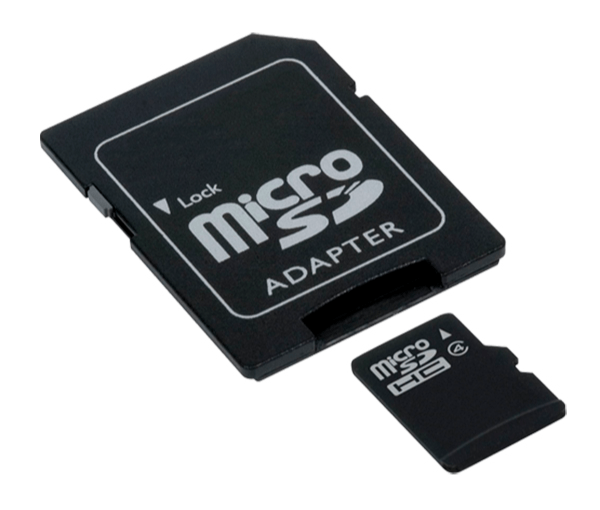
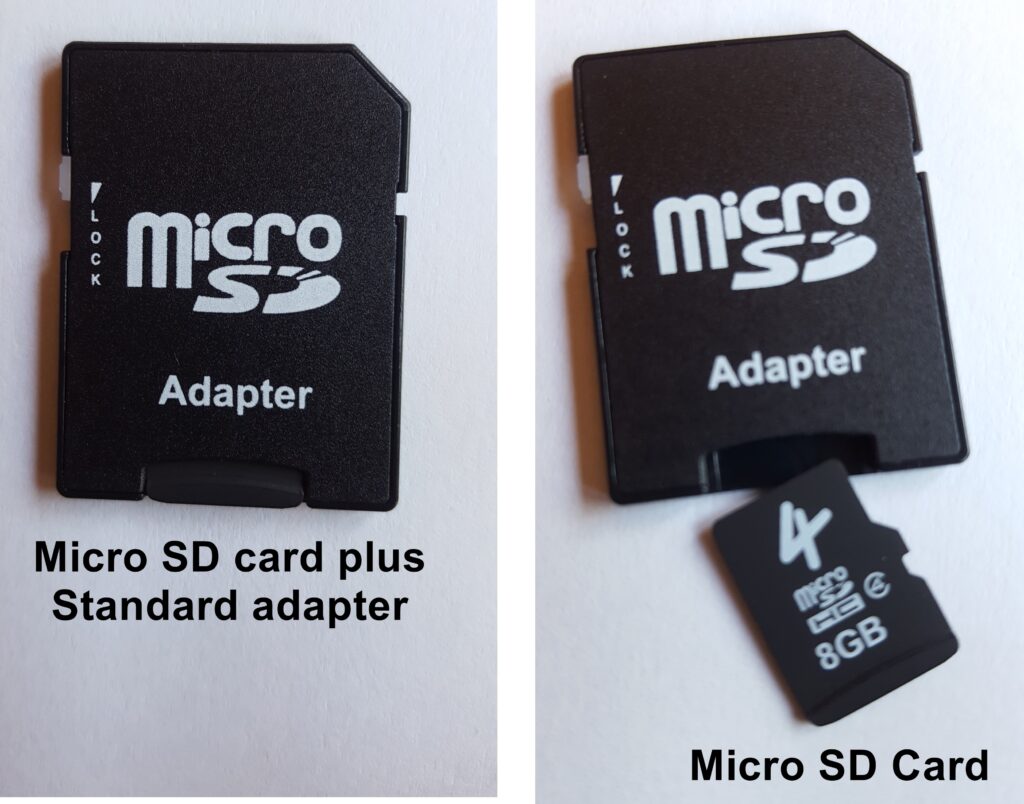
- Micro SD card with Standard Adapter.
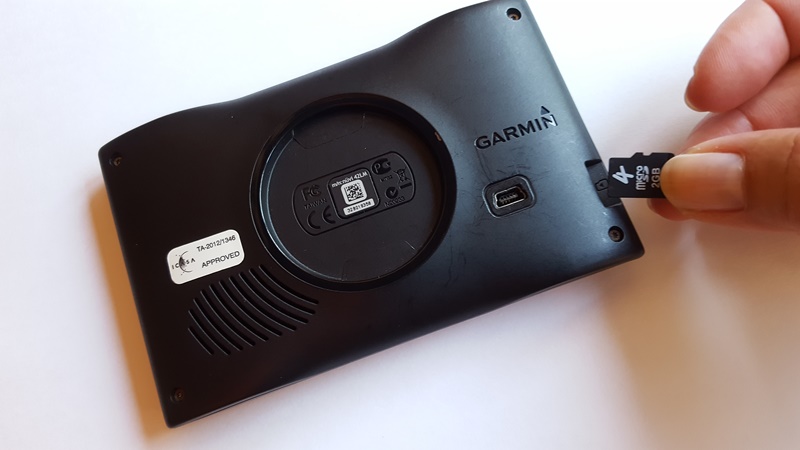
- T4A GPS Maps come preloaded on an SD card. Simply insert the card into your compatible Garmin GPS, and you can start navigating right away.
- The T4A Africa Guide comes preloaded and ready to use on compatible devices. In addition, it provides contact details, rates, activities, facilities, and photos for selected points on our maps.
- If your GPS does not use an SD Card: Install files for PC and Mac users are also included on the SD card, which will allow you to install the maps on your computer, and then transfer them to your GPS unit.
For assistance – please see the HELP tab on this screen.
KEY FEATURES:
- What is new on the T4A GPS Maps 2510
- Plug n play!
- Includes a free upgrade and further discounts thereafter
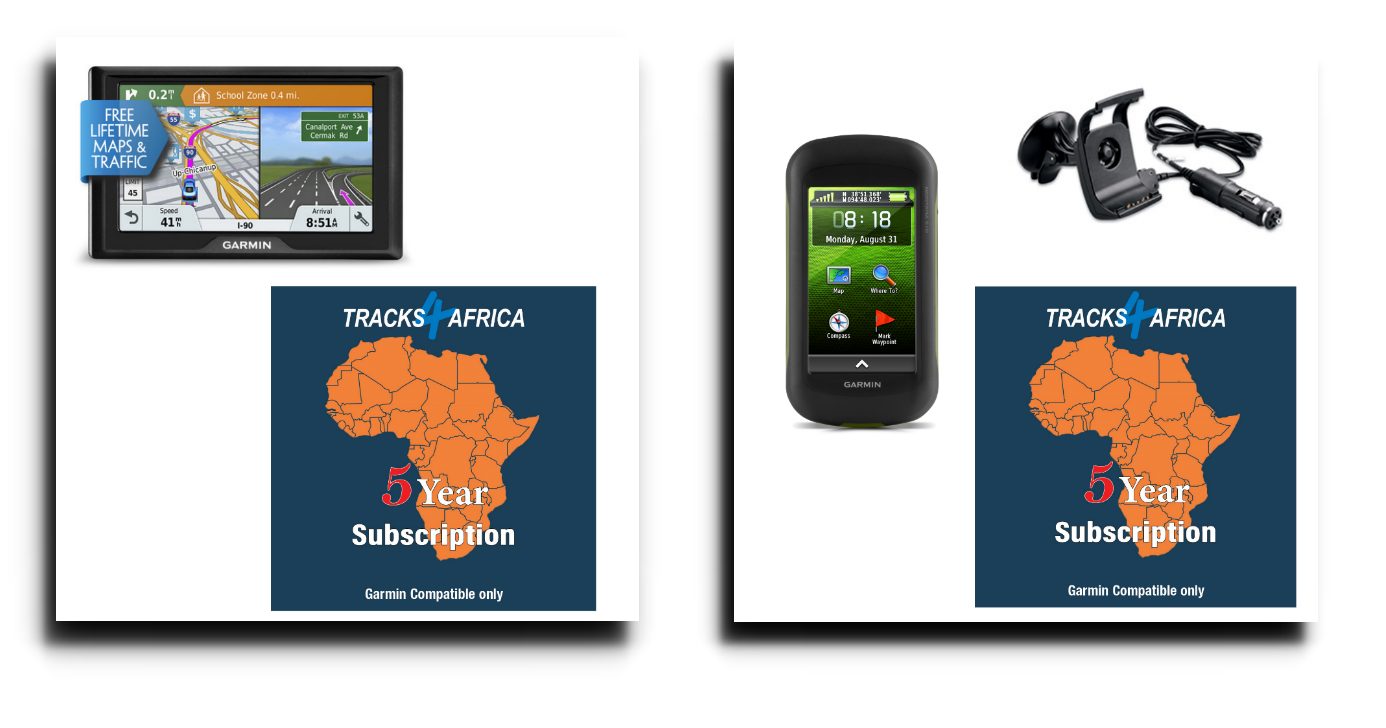
- Garmin map capable GPS units only
- Micro SD card with Standard Adapter.
- T4A Africa Guide is preloaded and ready to use on compatible devices
- T4A GPS Maps include install files for PC and Mac
- The maps always work—they never expire!
SOFTWARE REQUIRED:
In order to view this map on your Computer and to perform route planning, you will need free Software from Garmin:
- For Windows: Mapinstall. Then Basecamp or Mapsource too.
- For MAC: Mapinstall. Then Basecamp too.
GARMIN GPS UNITS:

Help us improve by submitting your travel data. See here for details:

Email your travel data to: newdata@tracks4africa.co.za





Johan Kruger (verified owner) –
I upgraded after 10 years on version 15.05 and it still worked pretty well. I installed V25.10 now with the new look and am very satisfied with my new version. The instructions were clear and very easy to get it both on the laptop and GPS. Thanks for a very good product.
Dylan Evans (verified owner) –
I’ve been using T4A for at least two decades. I wouldn’t go on a trip in Africa without it.