
Click on your location in order for the cursor to come up as marked below in Red.
Please note that you can click on any part of the map to save the cursor position.
Click on the arrow showing up.
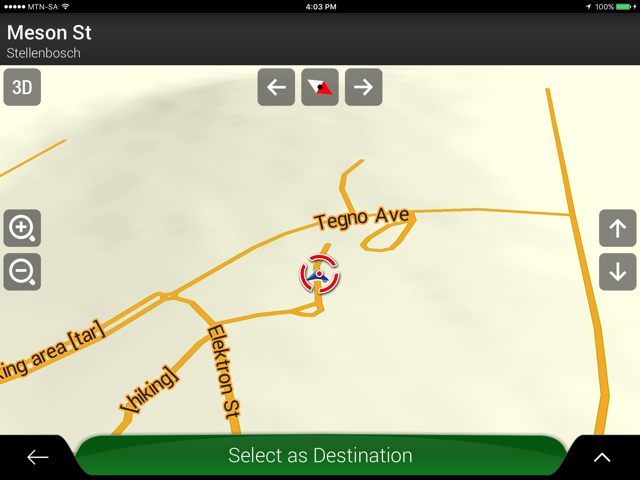
The following screen should come up.

Click on Save Location.
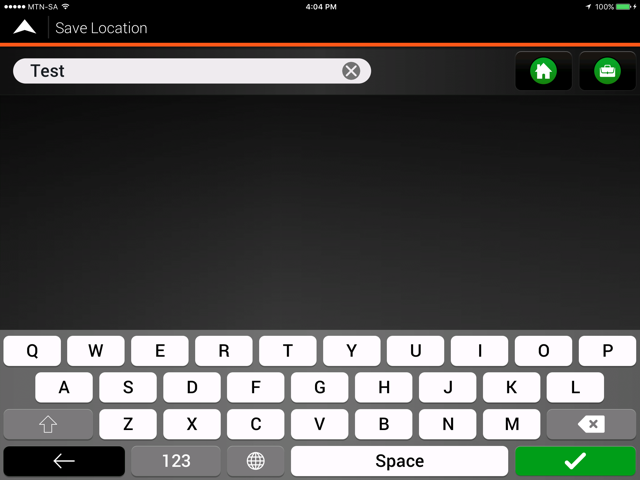
The below screen will come up where you can name/ rename your Saved location.
Click on the tick in the green box to save the location as a Saved location.


 Tracks4Africa